Small Business Saturday is Nov. 28. Anyone who looks you up on Google that morning sees whatever photos your profile holds. If that's a logo and one old picture, you can fix it before the weekend with the phone in your pocket.
The short answer: search your business name on Google, open Photos on your Business Profile and add 10 real pictures of your storefront, your space, your work and your team. Plan on about 15 minutes once the photos are taken.
Why 10 photos
Google's own photo tips for business owners ask for at least three exterior photos and at least three interior ones, plus pictures of your team. The TrailBlaze Score looks for 10 photos on your Google profile, and "Add photos to your Google profile" stays on your fix list until you have them.
The reason is simple. A customer wants to recognize your door from the street and see your work before they call.
Which photos to take
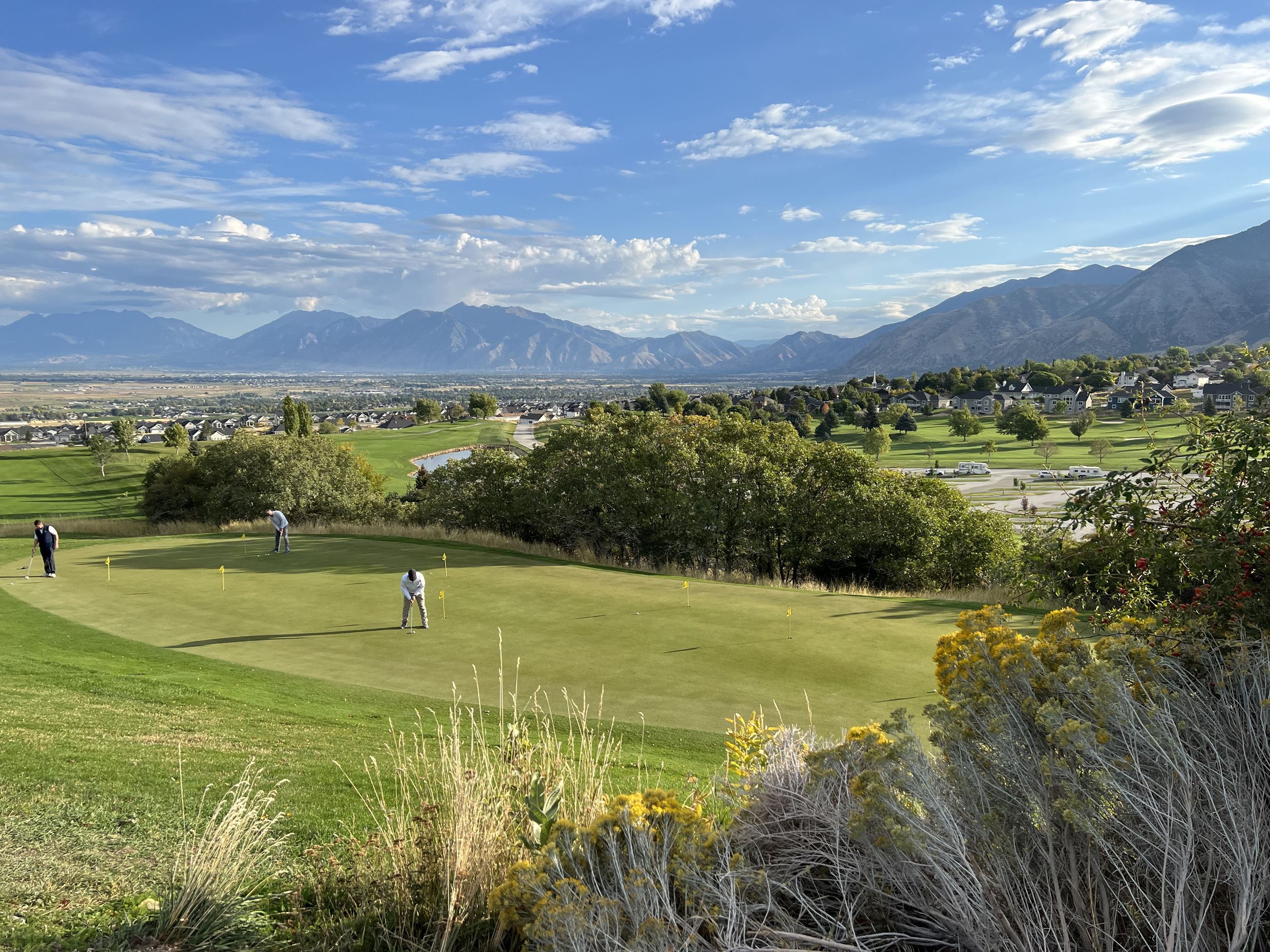
- Three of the outside. Google suggests a photo from each direction a customer might approach, taken at different times of day, so people know the building when they pull up.
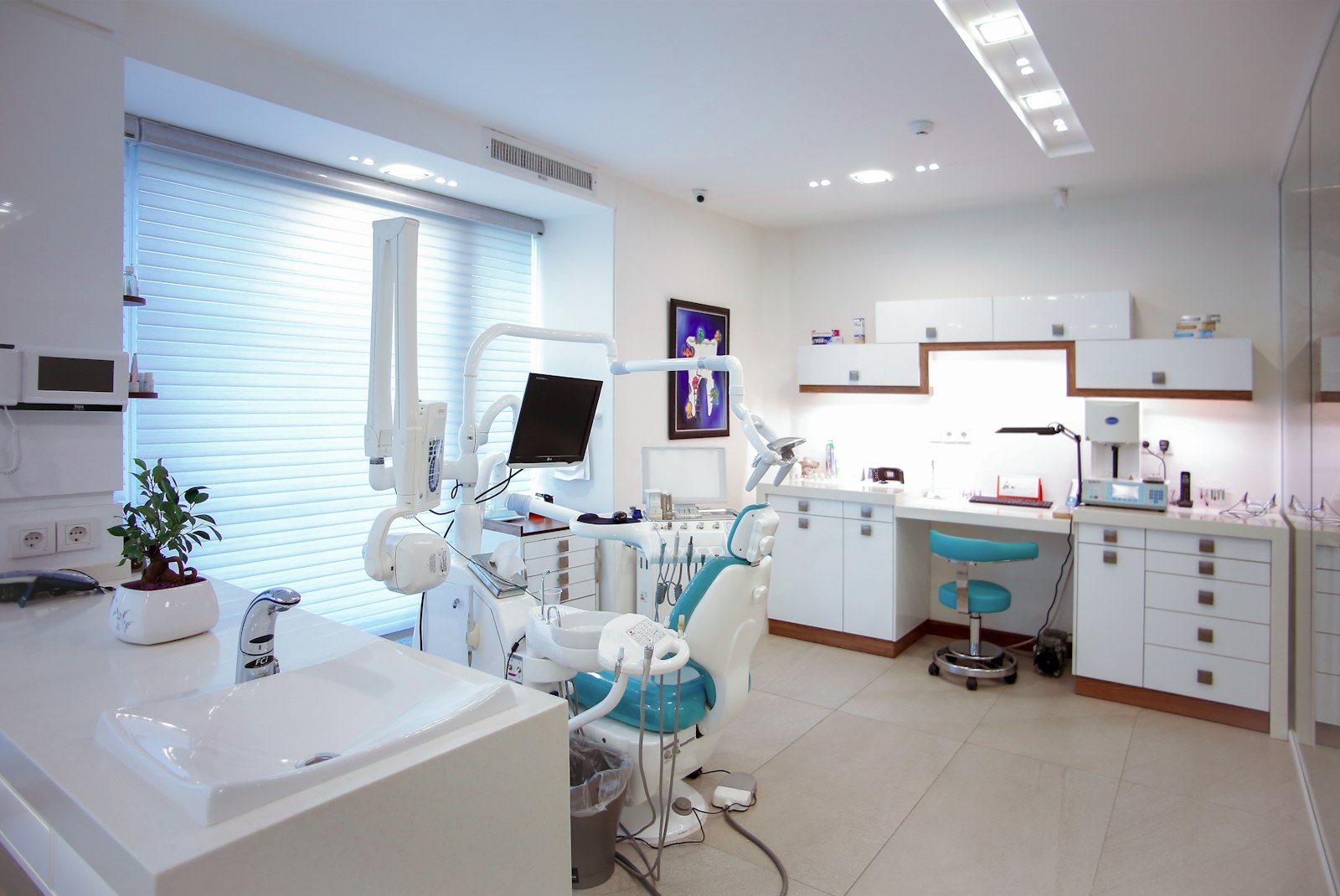
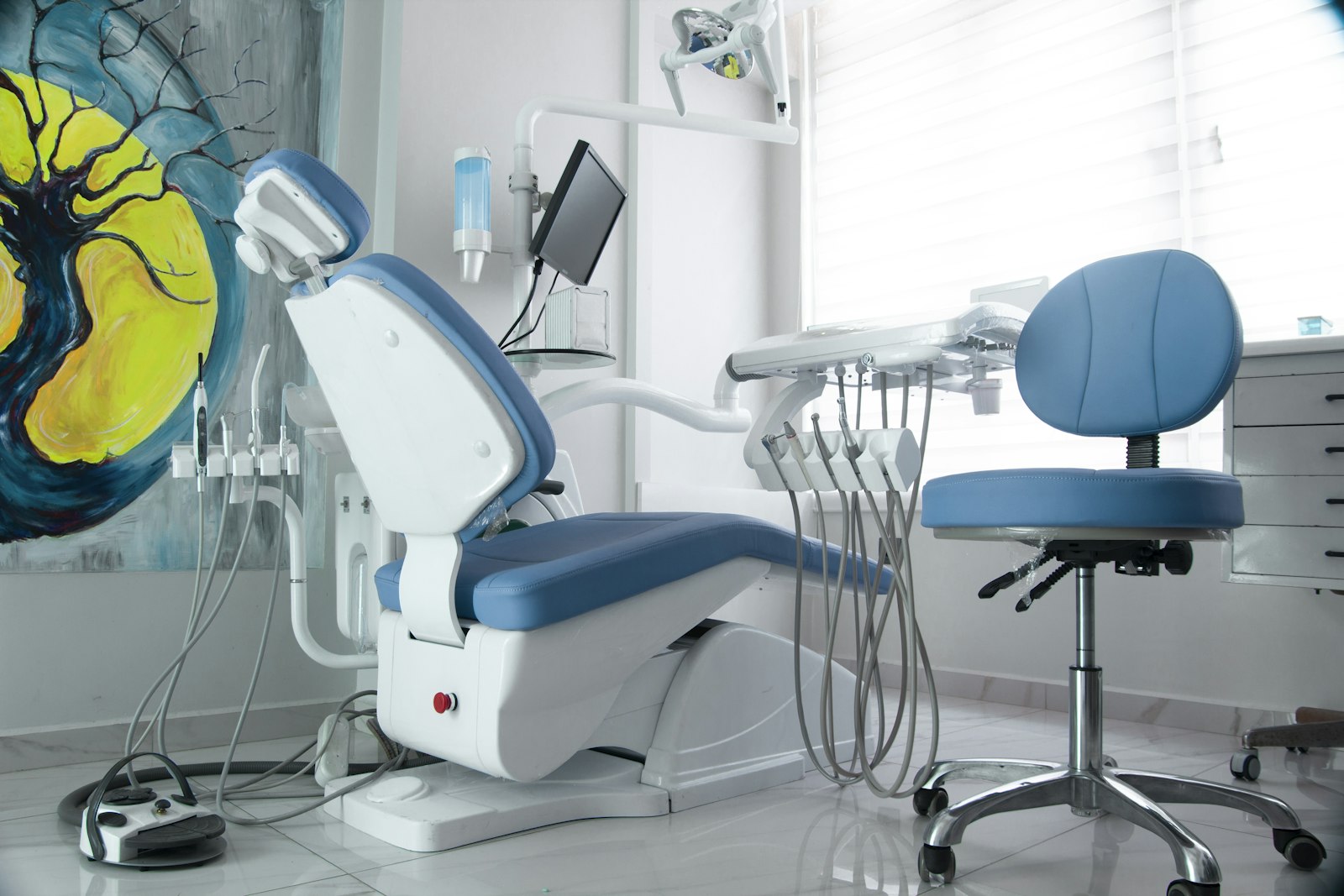
- Three of the inside. Stand where a customer would stand and show what they'd see.
- Two of your work. A finished job, a plate coming out of the kitchen, the shelf you're proudest of.
- Two of your team. Google recommends these to show the people behind the business.
No storefront? Photograph the truck, the crew on a job and the finished result.
How to upload them
- On a computer: search your business name and city on Google Search or Maps to open your Business Profile. Click Photos, then Add photos, and choose your files. You can select several at once.
- On a phone: open the Google Maps app, tap Business, then More, then Add photo.
- Cover photo and logo: under Photos, choose the option to add a cover photo or a logo. Google notes that choosing a cover photo doesn't guarantee it appears first.
These are Google's steps as of November 2026. The full steps for each device are on Google's photo help page.
What Google turns away
Google reviews every upload against its photo and video policy, and a photo that fails doesn't show. Keep yours in focus and well lit, with no significant alterations or heavy filters. Every photo has to show your own business, and anything with personal information in it stays out.
Time: About 15 minutes to upload, by our estimate
Cost: Nothing. Google doesn't charge to add photos.
What you need: A verified Business Profile. Photos show on Google only after the profile is verified.
File type: JPG or PNG
File size: Between 10 KB and 5 MB
Resolution: 720 by 720 pixels recommended; 250 by 250 at minimum
What to expect
Photos are no promise of a higher spot on Google, and nobody can promise you calls from them. They do one job: they let a stranger picture walking in. That counts on a weekend when people are deciding where to shop.
Quick answers
How many photos should I have?
Aim for 10 or more. Google asks for at least three outside and three inside, and the TrailBlaze Score checks for 10.
Why isn't my photo showing?
Photos appear only on a verified profile, and Google reviews each one first. If one still doesn't show, Google suggests uploading it again and checking that it isn't a duplicate.
Can I use edited or AI-made images?
Google's guidelines call for photos with no significant alterations or excessive filters, so the image shows the real place. A plain phone photo is the safe choice.
Can customers add photos too?
Yes. Google says you can't stop customers from posting photos, but you can report one that breaks its rules.
See what else is on your fix list
Claim your TrailBlaze listing to see your score and the fixes that would raise it. Want a wider look first? Run the AI Audit.
Claim Your Listing →